Construction software for small builders: what to buy and when it isn't enough.
By David Kim, founder · Last updated 19 November 2026
Construction software for small builders covers three things: a way to quote, a way to run each job, and the accounts. Job tools like Buildertrend and JobTread run the jobs, and estimating tools like Buildxact build the quotes. Where they still leave gaps, usually variations and re-typing between tools, link them or build that one part.
What kinds of construction software are there?
Four kinds cover most of a small builder's week.
| Software | What it does | Examples |
|---|---|---|
| Job management | Schedules, variations and daily logs for each job. | Buildertrend, JobTread, Procore |
| Estimating and takeoff | Measures quantities from the plans and builds the estimate. | Buildxact, STACK, PlanSwift |
| Trade job tools | Quotes, scheduling and invoices for plumbers, electricians and other trades. | ServiceM8, Tradify, Fergus |
| Accounts | Invoices, bills, payroll and tax. | Xero, QuickBooks, MYOB |
Buildertrend says it is built for builders who run five or more projects a year. Buildxact says it is for small residential builders and renovators. CoConstruct is being folded into Buildertrend.
How is construction software priced?
In five main ways. Check which one you're on, because it decides how the bill grows.
- A base fee plus a fee for each person on your team, with clients, subcontractors and suppliers free: JobTread.
- A quote, with unlimited users: Buildertrend.
- Plans with unlimited users, where variations and the accounts link start on the middle plan: Buildxact.
- A fee per user each month: Tradify and STACK.
- By the number of new jobs each month: ServiceM8.
How much does Procore cost?
Procore doesn't publish prices. It charges a yearly fee for each product you use, based on the total value of the construction you do each year, with unlimited users (Procore). It says it is for small and medium contractors too. Ask for a quote at your own volume before you compare it with the others.
Where does construction software fall short?
Usually in the same three places:
- A variation is agreed on site by phone or text, and never written down.
- Sign-offs happen on paper, and someone has to scan and file them.
- The same job gets typed into the quote, the schedule and the accounts.
The builder's job tools handle variations: Buildertrend, JobTread and Procore all have them. The pages we checked for ServiceM8, Tradify and Fergus don't mention variations, and Procore needs a separate DocuSign account to sign them (Procore support).
Why do variations need to be in writing?
Because unwritten ones lead to disputes. Queensland's building regulator says failing to record variations and get them approved before the work is "one of the most common causes of serious building disputes" (QBCC).
In Queensland, the builder must give the variation in writing before the work starts. In NSW, it must be signed by both sides (NSW Government). In the US the same thing is called a change order, and California wants it signed before the change (CSLB).
Variation V-0314:20:05
J-2051 · 14 Ridge St
Move kitchen window
Extra time2 days
Signed by the client on site
Accounts14:20:08
J-2051 · 14 Ridge St
Variation V-03
Added to the next invoice
Which fits you?
- Mostly short trade jobs? A trade job tool.
- Five or more builds a year, with variations? A builder's job tool.
- Quoting takes too long? An estimating tool.
- Your tools work, but you re-type between them? Link them.
What have we built for builders?
We built the marketing and e-signing for a home-builder platform. Builders on it get contracts, variations and safety forms signed on a phone, and it's running live. You can watch a recording of it on our homepage.
-
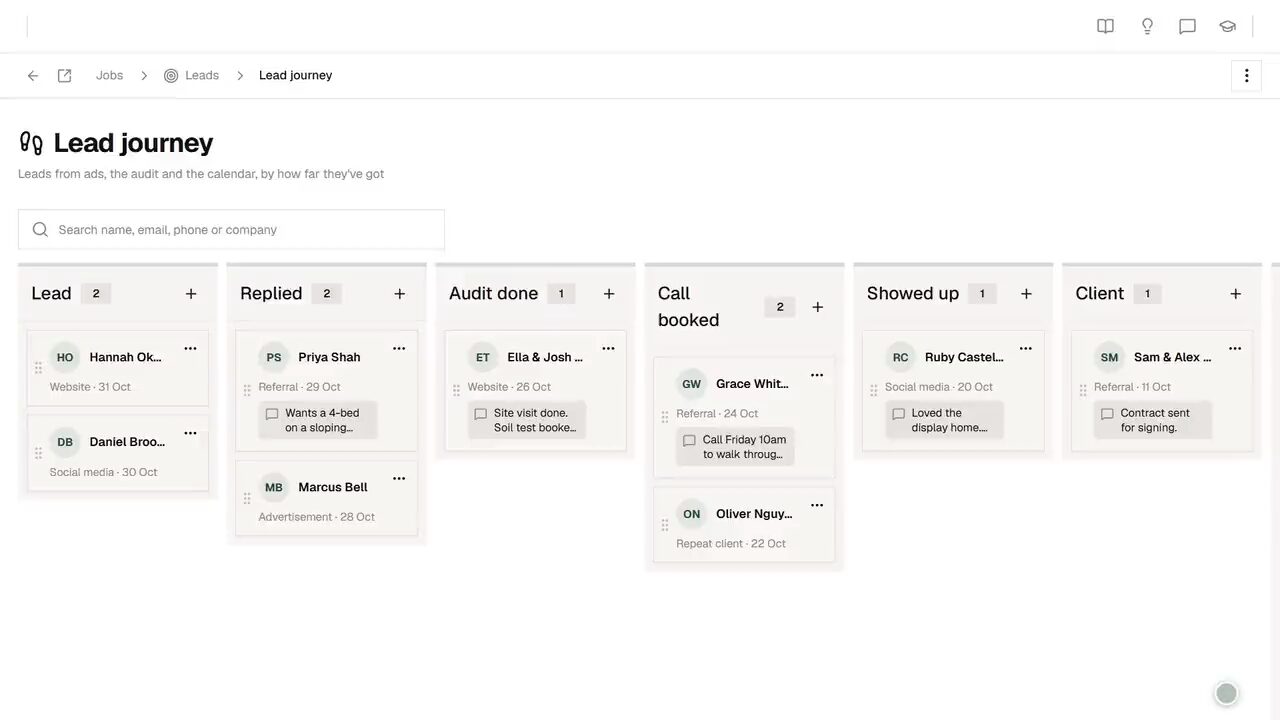 Marketing and e-signing, built for a home-builder platform.
-
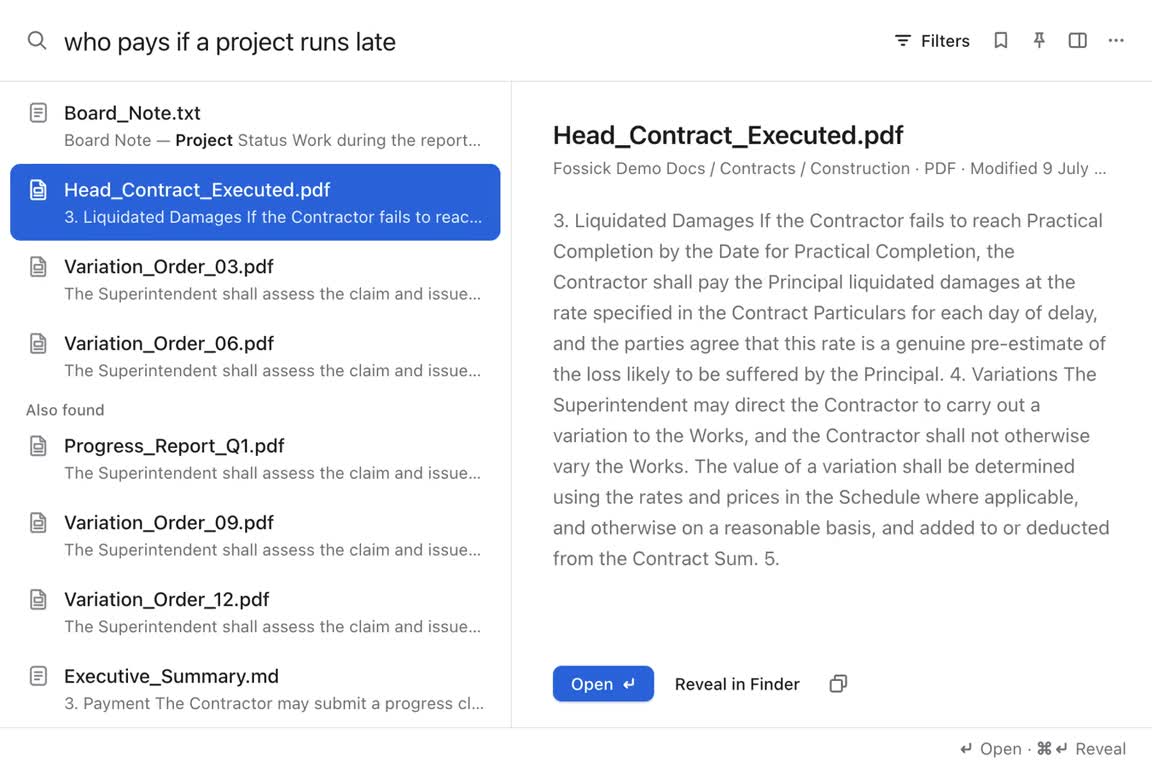 Fossick finds a document by what it says.
What would we do?
On a free 30-minute call, we'd look first at where a job gets re-typed or a variation goes unsigned. We'd tell you whether a product fixes it, or a link, or one custom piece. If a product fits, we'll say so. If it's a build, you get a one-page scope with a fixed price two days later.
Book a free 30-minute call.
We find where your jobs get typed twice and tell you whether to buy, link or build, whether you hire us or not.
Not ready for a call? See what paperwork costs you or send us a note.
More guides
- How much does custom software cost?
- Custom or off-the-shelf software: which do you need?
- MRP and job shop software
- Warehouse management systems
Sources
- Queensland Building and Construction Commission, Contract variations, reviewed June 2025.
- NSW Government, Contracts for residential building work, updated April 2026.
- Contractors State License Board, California, Home improvement contracts.
- Procore, Plans and pricing and change orders with DocuSign.
- Product and pricing pages for Buildertrend, JobTread, Buildxact, STACK, ServiceM8, Tradify and Fergus.
All sources checked 2 November 2026.